get_project_context
ContextOne-call project brief — stack, scripts, deps, env hints, monorepo layout.
When: First call on any new repo or session.
Full reference →All 10 Zephex MCP tools at a glance — each has a terminal command too. Your editor calls them as lean JSON; the CLI prints answer cards. Understanding when to use each one helps you guide sessions and cut token waste.
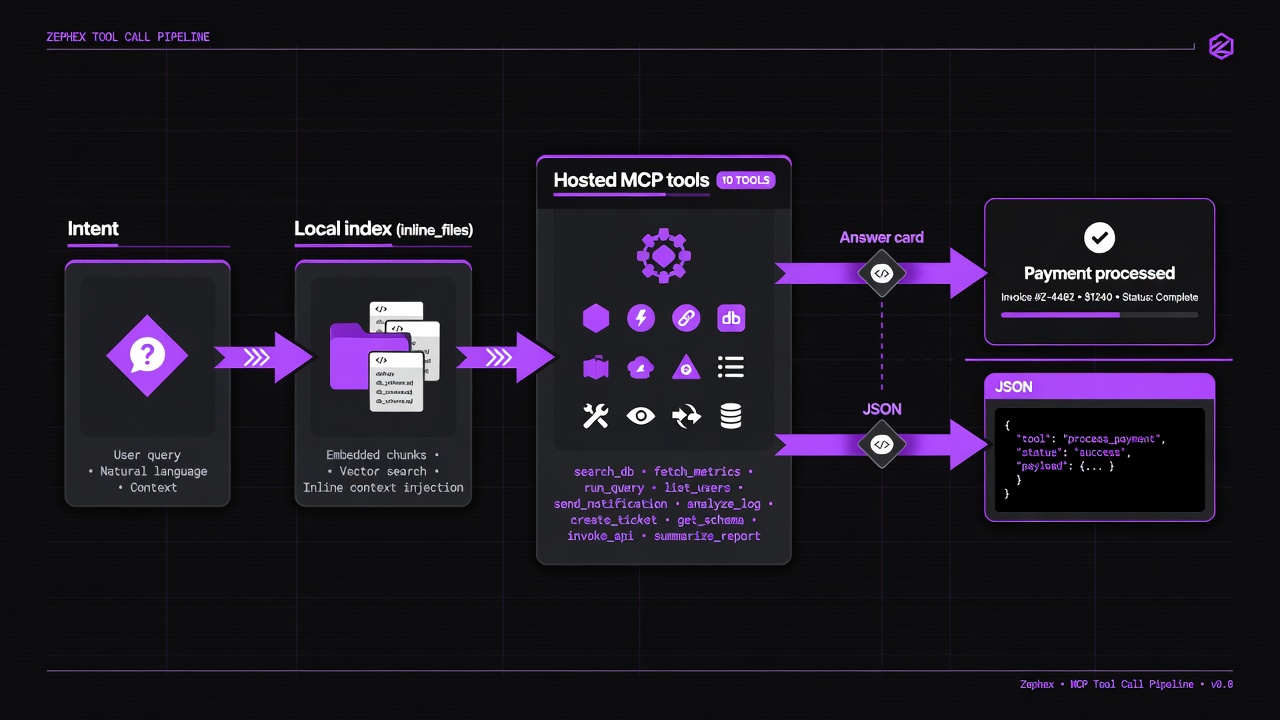
Same tools · two surfaces: editor JSON and terminal answer cards.
| MCP tool | Terminal | Example |
|---|---|---|
get_project_context | get-context · overview | mcpcli overview |
find_code | find-code · find · rename | mcpcli find-code "auth" |
read_code | summarize · outline · symbol | mcpcli summarize src/auth.ts |
explain_architecture | architecture · arch | mcpcli architecture --focus auth |
check_test | check-test · test (legacy: scope-task) | mcpcli check-test |
check_package | check-package · safe · pkg | mcpcli safe express |
project_memory | remember · recall · memory | mcpcli remember "auth uses JWT cookies" |
audit_headers | check url · site-audit | mcpcli check url https://zephex.dev |
keep_thinking | think · reason (one-shot) | mcpcli think "debug 401 loop" |
Zephex_dev_info | docs · ask | mcpcli docs "Stripe webhooks" |
Built-in tools
API key
Editors supported
Local servers to run
Start here if you are unsure which tool to reach for. Match your question to the tool — then open the detail page for parameters and copy-paste prompts.
| Your question | Tool | What you get |
|---|---|---|
| What is this project? | get_project_context | Stack, commands, deps in one call |
| Are my tests healthy? | check_test | Test Pulse — health checks and diagnostics |
| Where is X defined? | find_code | Ranked search across the repo |
| Show me the code for X | read_code | AST-based symbol or outline extraction |
| How does X work? | explain_architecture | Diagrams and flow traces |
| Is this package safe? | check_package | Registry + supply-chain signals |
| Did the agent remember last session's decisions? | project_memory | Remember and recall project decisions, gotchas, and conventions across sessions via local SQLite |
| Is this URL secure? | audit_headers | Live header and secret audit |
| Best practice for X? | Zephex_dev_info | Expert KB with checklists |
| I'm going in circles | keep_thinking | Structured hypothesis tracking |
One-call project brief — stack, scripts, deps, env hints, monorepo layout.
When: First call on any new repo or session.
Full reference →Test Pulse — health checks, diagnostics, and test verification.
When: After writing code, before commit, or to verify test health.
Full reference →AST extraction — symbol body, file batch, or structural outline.
When: You know the file or symbol; need implementation only.
Full reference →BM25-ranked search with snippet, symbol, concept, and everywhere intents.
When: You know what to find but not where it lives.
Full reference →Mermaid diagrams for auth, data flow, integrations, and hotspots.
When: Before touching auth, billing, or critical paths.
Full reference →Registry safety, CVEs, upgrade paths across 12 ecosystems.
When: Before npm install or reviewing new dependencies.
Full reference →Remember and recall project decisions, gotchas, and conventions across sessions via local SQLite.
When: New session on an existing project; need to recall past context.
Full reference →Curated KB — Stripe, Supabase, JWT, CSP, Next.js patterns with snippets.
When: You need expert implementation guidance, not guesses.
Full reference →Live URL audit — grade A–F, headers, TLS, cookies, secret scan.
When: Post-deploy check or production readiness review.
Full reference →Persistent reasoning session — hypotheses, ruled-out causes, next steps.
When: Multi-file bugs, circular debugging, high-risk changes.
Full reference →New to Zephex? Read the Quickstart, then browse Tool Workflows for multi-tool sequences (debug auth, audit packages, scope refactors). For terminal usage without an editor, see the Terminal Tools Guide.