Guides
Token Efficiency
Every AI coding session has a token budget. Zephex tools are designed to minimize token use while maximizing signal — and to spend your monthly request quota wisely.
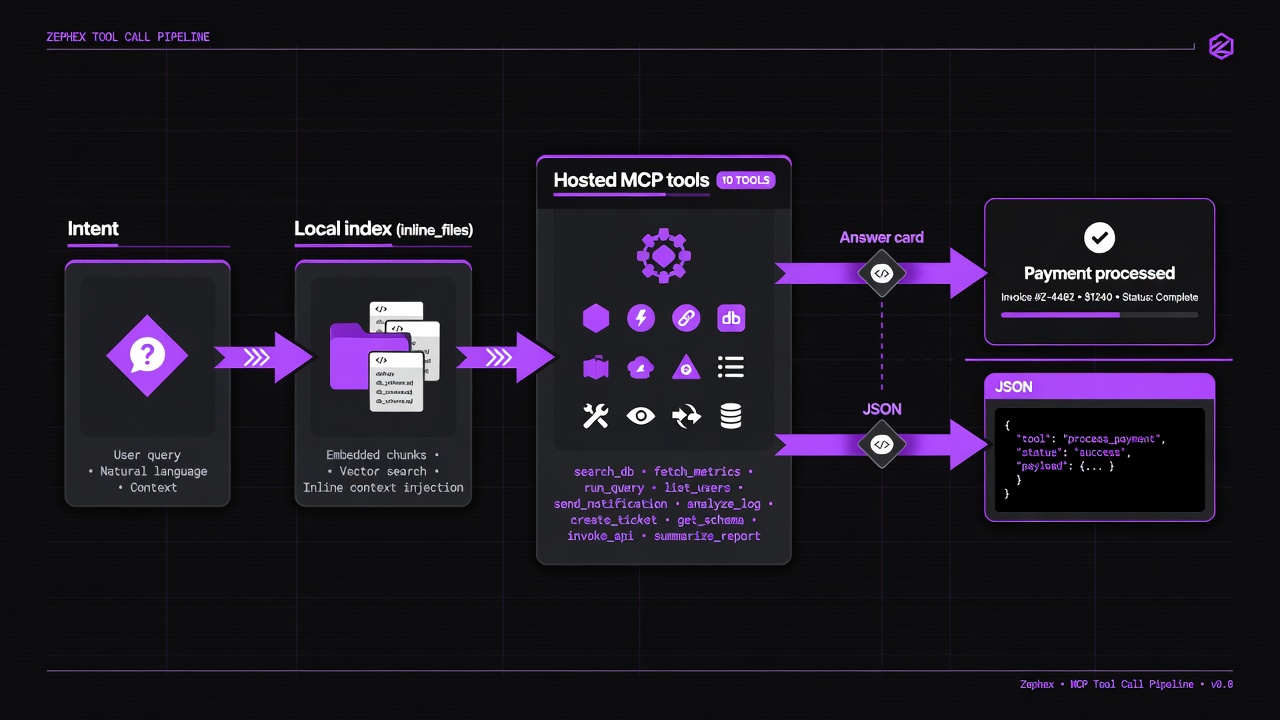
Orient once → find → surgical read. Re-running full suites wastes quota.
Editor agents receive lean JSON. Terminal humans get answer cards. Quota is shared.
| Rule | Do | Don't |
|---|---|---|
| Context once per session | get_project_context or overview first | Re-read package.json via ten read_code calls |
| Find before symbol | find_code then read_code / symbol | symbol without location on huge monorepos |
| Topic zoom | get-context --topic auth|database|env | Always pull full standard dump |
| Terminal vs agent | Human: answer cards; scripts: --json | Paste full terminal prose into agents |
| check_test session | run once, then failures/why on session_id | Re-run full suite for every question |
# Orientmcpcli overviewmcpcli get-context --topic auth # Locate → readmcpcli find-code "validateToken"mcpcli symbol validateToken # Verifymcpcli check-testmcpcli check url https://staging.example.com # Remember tribal knowledgemcpcli remember "webhooks dedupe event.id in Redis 24h"mcpcli recall webhook # Machine pathmcpcli get-context --json | jq .| Tier | Requests / month | Price |
|---|---|---|
| Free | 555 | $0/mo |
| Pro | 3,500 | $7/mo |
| Max | 10,000 | $19/mo |
| Error | Meaning |
|---|---|
-32002 / HTTP 429 | Burst / rate limit — respect Retry-After |
-32003 | Monthly quota or per-key cap exceeded |
-32001 | Auth failure (invalid/expired key) |
- Same account quota applies to editor MCP and terminal CLI.
- overview may run multiple internal analyses but bills as documented for that product path.
- help / learn / compass (local) do not burn hosted credits.
Response headers often include: X-RateLimit-Limit · X-RateLimit-Remaining · X-RateLimit-Reset · Retry-After (on 429).
A typical model context window is 100,000 to 200,000 tokens. Every file read, tool result, and copied snippet burns that budget. For coding sessions, token budget is working memory. Hosted tool calls also count against Free/Pro/Max monthly limits — see usage limits.
Agent reads package.json → 2,100 tokensAgent reads README.md → 4,500 tokensAgent reads src/index.ts → 8,200 tokensAgent reads app/api/route.ts → 6,100 tokensAgent reads lib/auth.ts → 3,800 tokensAgent reads middleware.ts → 2,400 tokens─────────────────────────────────────────────────────Total consumed for project orientation: 27,100 tokensActual useful signal extracted: ~600 tokensIn that example, the agent spent 27,100 tokens to extract about the same information get_project_context returns in roughly 450 to 700 tokens.
| Tool | Typical output | What it replaces | Savings |
|---|---|---|---|
| get_project_context | 400–700 tokens | 15,000–40,000 tokens of file reads | 97% |
| check_test | 300–600 tokens | 3–8 unnecessary file reads | 70–90% |
| read_code | 200–800 tokens | Full file read (2,000–10,000 tokens) | 85–95% |
| find_code | 100–400 tokens | Manual grep or multiple file reads | 90% |
| explain_architecture | 800–1,500 tokens | Reading 5–10 related files | 85% |
| keep_thinking | 200–500 tokens/call | Reasoning loops and repeated reads | Context stability |
Start session: read 6 files for orientation → 27,100 tokensFind the right function: read 3 more files → 18,400 tokensUnderstand auth flow: read middleware + 2 helpers → 11,200 tokens──────────────────────────────────────────────────Before writing a single line of code: 56,700 tokens consumedget_project_context → orientation → 520 tokenscheck_test → "add rate limiting to /api/webhooks" → 380 tokensread_code → find the existing rateLimiter.ts → 290 tokens──────────────────────────────────────────────────Before writing a single line of code: 1,190 tokens consumedThe same task. 47x fewer tokens consumed before writing code.
- Always start with
check_test. - Use
read_codewith a symbol name, not a whole file. - Call
get_project_contextonce per session. - Use
find_codebeforeread_code. - Use
keep_thinkingwhen reasoning gets complex.